Why Did My Google Maps Ranking Drop Overnight? A Troubleshooting Guide
Did your Google Maps ranking drop overnight? Learn how to diagnose sudden local SEO traffic losses, fix Google Business Profile issues, and recover your visibility.
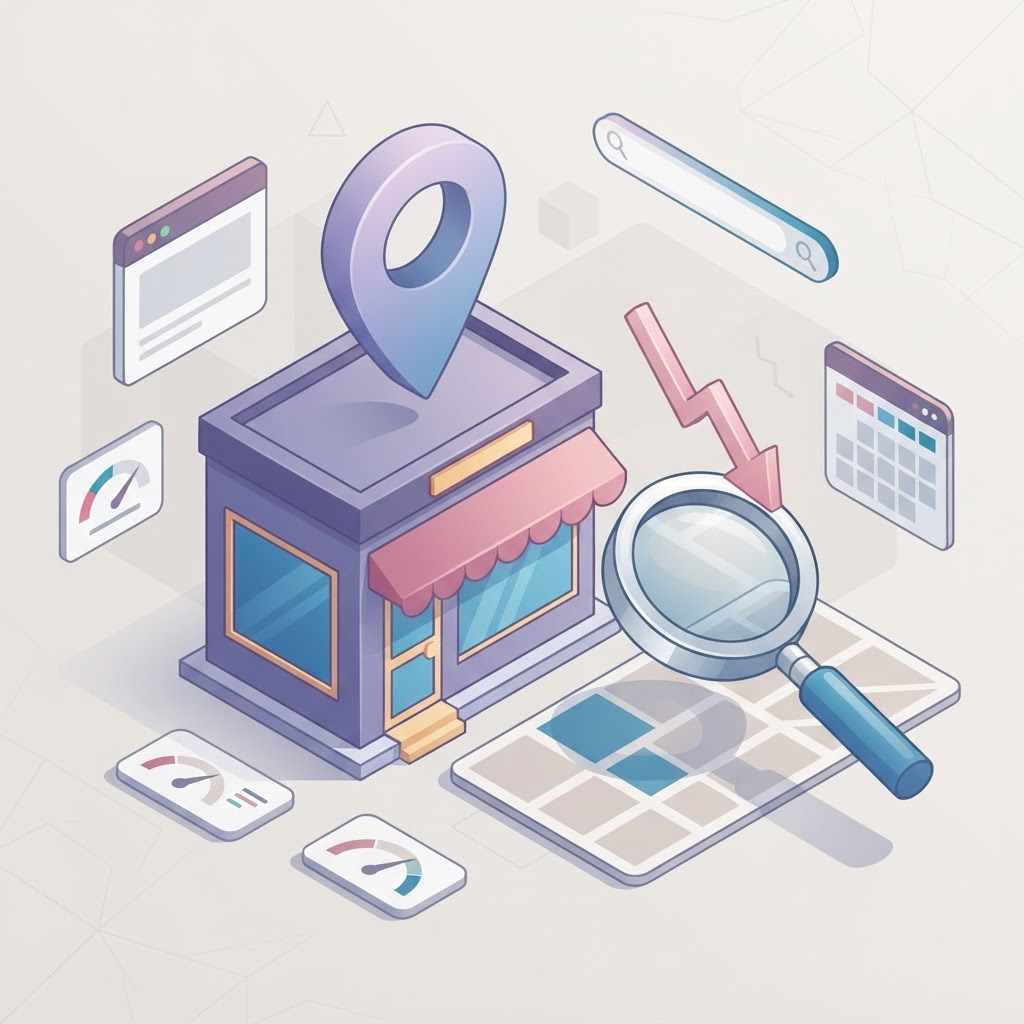
You check Google Maps, and your business is gone.
A sudden drop in Google Maps visibility is terrifying for a local business. When your phone stops ringing and your foot traffic dries up overnight, it is easy to panic and start changing every setting on your website. Do not do that.
A sudden ranking drop usually points to a specific, diagnosable issue with your Google Business Profile (GBP), your local market, or a Google algorithm update. If you start rewriting your website content before diagnosing the actual problem, you might accidentally destroy the SEO foundation that was working perfectly fine yesterday.
See how clearly your website communicates your location and services.
InspectRank reviews your local visibility signals and gives you a clear, prioritized report.
Get My Free ReportHere is the practical, step-by-step troubleshooting guide to figure out exactly why your Google Maps ranking dropped overnight, and how to get your visibility back.
Visual Concept: The Ranking Drop Diagnostic Flowchart
[Visual suggestion: A decision-tree flowchart starting with 'Did rankings drop overnight or over several weeks?' branching into 'Overnight' (Check for suspensions, category changes, proximity filters) and 'Gradual' (Check review velocity, organic website rankings, competitor actions).]
Step 1: Verify It Is Actually a Drop (And Not Just Proximity)
Before you assume the worst, you need to confirm that your rankings actually dropped across your entire service area, rather than just from the specific location where you are standing.
Proximity to the searcher is the second biggest ranking factor in local SEO (Google Maps Ranking Factors 2026: Local Pack Guide). If you are checking your rankings from a desktop computer at your house, but your business is located 10 miles away, Google is going to show you businesses closer to your house. This is why checking your own rankings manually is often a vanity metric.
If you want to know the truth about your visibility, you need to use a local rank tracking tool that measures your position across a grid of your city. If your grid is entirely red today but was green yesterday, you have a real problem. If you are only dropping on the edges of your service area, you are likely just losing ground to a competitor who is physically closer to those searchers.
Step 2: Check for a Soft Suspension or Filter
If your ranking drop was truly overnight, the most common culprit is a Google Business Profile filter or suspension. Sometimes Google will suspend your profile entirely (which triggers an email notification), but other times they will simply filter your listing out of the search results without telling you.
The Competitor Next Door Filter
Google has a strict proximity filter designed to prevent duplicate businesses from dominating the search results. If two businesses share the same primary category and are located within roughly 200 feet of each other, Google will often only show one of them and filter the other out.
If a new competitor just opened up down the street and chose the exact same primary category as you, Google might be filtering your listing. You can test this by zooming in very closely on Google Maps at your location. If your pin suddenly appears when you zoom in, you are being filtered.
Keyword Stuffing Penalties
Google has become extremely aggressive about enforcing business name guidelines (Why Did My Google Maps Ranking Drop? (And How to Fix It)). If you recently added keywords to your business name (e.g., changing "Joe's Plumbing" to "Joe's Plumbing & Drain Cleaning Atlanta"), Google may have penalized your listing. Your business name on Google must match your real-world business name exactly.
See how clearly your website communicates your location and services.
InspectRank reviews your local visibility signals and gives you a clear, prioritized report.
Get My Free ReportStep 3: Did You Change Your Primary Category?
Your primary category is the single most important ranking factor for your Google Business Profile. It dictates which searches you are eligible to appear for.
If you recently logged into your profile and changed your primary category—even to something that seems incredibly similar—you can tank your rankings instantly. For example, changing from "Medical Clinic" to "Skin Care Clinic" completely changes how Google understands your business. If you made this mistake, change it back immediately and wait a few days for your rankings to recover.
Step 4: Did Your Website's Organic Rankings Drop?
Your Google Maps ranking is directly tied to the organic SEO strength of your website. Google uses your website to validate what you do and where you do it (Google Maps Rankings Dropped? A Step-by-Step Recovery Guide).
If your website recently suffered a technical issue—like a broken SSL certificate, a botched website redesign, or a server outage—your organic rankings will drop. When your organic rankings drop, your Maps rankings will almost always follow. Check Google Search Console to see if your website traffic dropped at the exact same time as your Maps visibility.
Step 5: The Gradual Decline (Review Velocity)
If your rankings didn't drop overnight, but rather slid from #1 to #6 over the course of two months, you are likely dealing with a competitor issue, not a penalty.
Reviews are a massive ranking factor. However, it is not just about your total number of reviews; it is about your review velocity (how fast you are getting them). If you have 100 reviews but haven't gotten a new one in six months, and a competitor has 50 reviews but gets three new ones every week, Google will eventually reward the active competitor.
How to Diagnose Your Drop
| Symptom | Likely Cause | Immediate Action |
|---|---|---|
| Dropped from #1 to nowhere overnight | Suspension, keyword penalty, or category change | Check GBP dashboard for alerts; revert any recent category/name changes. |
| Dropped slightly on the edges of your city | Proximity filter or new competitor | Improve local relevance; accept that proximity is hard to beat. |
| Gradual slide over several weeks | Competitors outpacing your review velocity | Implement a consistent review generation strategy. |
| Website traffic and Maps traffic dropped together | Organic website penalty or technical issue | Audit Google Search Console for indexing errors or algorithm updates. |
What to Do Next
Do not make massive, sweeping changes to your website or Google Business Profile in a panic. Start by checking your primary category, verifying your business name complies with Google's guidelines, and checking your website's health in Google Search Console.
If you suspect a competitor is cheating by stuffing keywords into their business name to outrank you, you do not have to just accept it. You can level the playing field by learning how to report them properly. If you are unsure where to start, an InspectRank report can give you a clear baseline of your technical health.
Sources & references
See what InspectRank finds on your website
Get a clear report covering website SEO, technical health, local visibility and AI search readiness.
Get My Free ReportRelated guides
How to Optimize Your Google Business Profile Service Menu for Transactional Searches
Stop treating your Google Business Profile service menu like an afterthought. Learn how to optimize your custom services, descriptions, and pricing to capture high-intent transactional searches.

How to Optimize Your Local Business for Google Maps 'Vibe' Attributes
Learn how restaurants, cafes, and retail shops can optimize their Google Business Profile attributes, photos, and reviews to capture high-intent 'vibe' searches.
Google Business Profile Service Areas: Should You Use Zip Codes, Cities, or a Radius?
Should you use zip codes, cities, or a radius for your Google Business Profile service area? Learn Google's strict rules and how they actually impact your local SEO.
Falsely Marked as Permanently Closed: How to Recover Your Google Business Profile
Did Google falsely mark your business as permanently closed? Learn why this happens, how to fix it immediately, and how to protect your listing from malicious competitor edits.
Review Bombing Recovery: How to Protect Your Local SEO During a Viral PR Crisis
A sudden influx of fake 1-star reviews can destroy your local search rankings overnight. Learn the exact step-by-step playbook to document the attack, report fake reviews to Google, and protect your local SEO during a review bombing crisis.