Mall and Plaza SEO: How to Rank When Your Business is Inside Another Building
Struggling to rank your retail store or food stall inside a mall or large office building? Learn how to use the Google Business Profile 'Located In' feature, fix your map pin, and optimize your local SEO for shared addresses.
The Problem with Mall and Plaza SEO
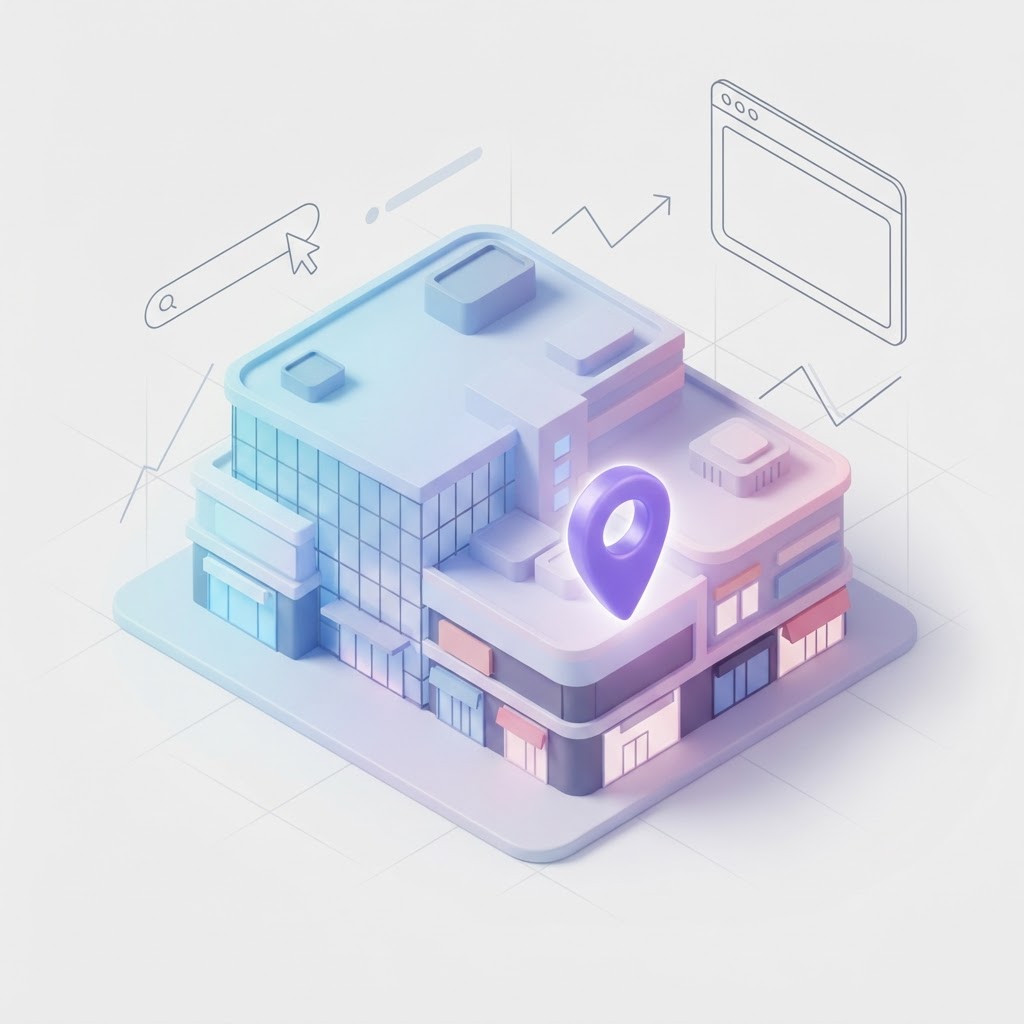
Ranking a local business is hard enough. Ranking a business when you share a physical address with 150 other stores, a food court, and a movie theater is a logistical nightmare. If your retail shop or food stall is located inside a mall, airport, or large office building, Google Maps often struggles to understand exactly where you are. Customers get frustrated when GPS leads them to a massive parking garage with no instructions on how to actually find your storefront.
The solution lies in a specific Google Business Profile feature and a hyper-specific approach to your local SEO strategy. Here is how to optimize your presence when your business is nested inside another building.
See how clearly your website communicates your location and services.
InspectRank reviews your local visibility signals and gives you a clear, prioritized report.
Get My Free ReportMastering the Google Business Profile 'Located In' Feature
The most critical step for mall-based businesses is establishing the parent-child relationship between your store and the main building. Google Business Profile has a specific attribute for this called Located In.
When configured correctly, your profile will display a line that says "Located in: [Name of Mall or Plaza]." This does two things: it tells Google's algorithm that you are a distinct entity within a larger structure, and it tells customers they need to park and walk inside.
How to Set or Fix Your 'Located In' Status
Google often attempts to auto-assign this based on GPS data, but it frequently gets it wrong—especially in multi-tower office complexes or sprawling outdoor plazas. To fix it, you cannot simply edit a text field in your dashboard. You must suggest an edit through Google Maps.
- Search for your business on Google Maps.
- Click "Suggest an edit" and then "Change name or other details."
- Scroll down to the "Located within" field.
- Search for the official name of the mall, plaza, or office building and select it.
- Submit the edit.
If your edit gets stuck in pending, or if Google places you in the "North Tower" instead of the "South Tower," you may need to contact Google Business Profile support directly to force the update.
Pin Placement and Indoor Navigation
A common mistake mall retailers make is letting their Google Maps pin default to the center of the mall's roof. If a customer asks for driving directions, their GPS will route them to the closest street to that center pin, which might be a loading dock or an employee-only entrance.
You need to manually adjust your map pin to reflect the exact entrance customers should use. If you are near the East Entrance, drag your pin to that specific set of doors. This ensures driving directions terminate at the correct parking lot.
See how clearly your website communicates your location and services.
InspectRank reviews your local visibility signals and gives you a clear, prioritized report.
Get My Free ReportFormatting Your NAP (Name, Address, Phone)
When you share an address, consistency is your only defense against merged profiles or suspended listings. Your address formatting must be identical across your website, your Google Business Profile, and local directories.
| Element | Incorrect Format | Correct Format |
|---|---|---|
| Address Line 1 | 1000 Mall Road, Store 45 | 1000 Mall Road |
| Address Line 2 | (Leave Blank) | Suite 45 (or Unit 45) |
| Floor Level | 2nd Floor | Include in website copy, not the official NAP line |
Do not stuff the mall name into your actual street address line. Use Address Line 2 for your specific unit number.
Leveraging the Mall's Authority (Barnacle SEO)
Malls and large plazas have massive, high-authority websites. You need to siphon some of that authority to your own site. Ensure your business is listed on the official mall directory website with a backlink to your specific location page. If the mall runs a blog or a "new store openings" press release, pitch them a quote to secure a contextual link.
Build a Dedicated Directions and Parking Page
Do not rely on Google Maps to do all the heavy lifting. Build a dedicated page on your website explaining exactly how to find you. Include which parking garage to use, which entrance to walk through, and landmarks to look for (e.g., "Take the escalator near Macy's to the second floor, we are next to the food court"). This highly specific local content acts as a massive relevance signal for search engines.
Visual SEO: Show Them the Way
Upload photos to your Google Business Profile that show your storefront in context. Include a photo of the mall entrance customers should use, a photo of your store from the main concourse, and a short walking-path video from the parking lot to your register. Visual search is becoming a core ranking pillar, and these contextual images help both AI and humans understand your exact location.
Conclusion
Ranking a business inside a mall requires you to be hyper-specific about your physical location. By mastering the "Located In" attribute, fixing your map pin, and providing crystal-clear indoor directions, you can capture the massive foot traffic walking right past your door.
Sources & references
See what InspectRank finds on your website
Get a clear report covering website SEO, technical health, local visibility and AI search readiness.
Get My Free ReportRelated guides
Falsely Marked as Permanently Closed: How to Recover Your Google Business Profile
Did Google falsely mark your business as permanently closed? Learn why this happens, how to fix it immediately, and how to protect your listing from malicious competitor edits.

Review Bombing Recovery: How to Protect Your Local SEO During a Viral PR Crisis
A sudden influx of fake 1-star reviews can destroy your local search rankings overnight. Learn the exact step-by-step playbook to document the attack, report fake reviews to Google, and protect your local SEO during a review bombing crisis.
What Happens to Your SEO When a Key Employee Leaves? Handling Practitioner Profiles
When a key doctor, lawyer, or stylist leaves your practice, their Google Business Profile goes with them. Learn how to handle practitioner listings, protect your reviews, and prevent former employees from ruining your local SEO.
DBA vs. Legal Name: How to Manage Your Business Name for Local SEO
Should you use your LLC or DBA on your Google Business Profile? Learn how to manage your business name for local SEO without getting suspended.
Google Business Profile Accessibility Attributes: A Guide for Brick-and-Mortar SEO
Learn why Google Business Profile accessibility attributes are critical for local SEO, how to add them, and why leaving them blank costs you foot traffic.