Google Business Profile Chat: How Fast Response Times Impact Your Local Rankings
Learn how Google Business Profile chat works in 2026, how to set up SMS or WhatsApp messaging, and why fast response times are critical for converting local search traffic.
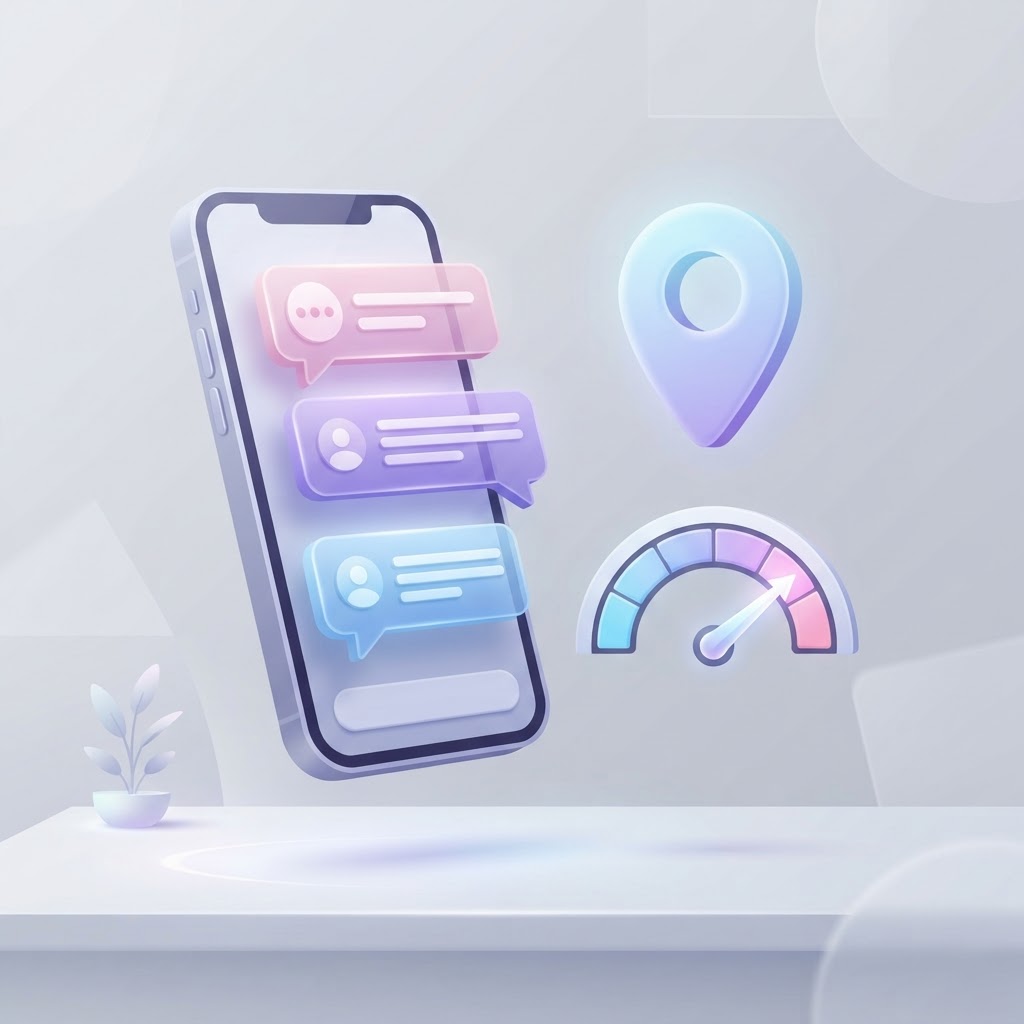
A potential customer finds your business on Google Maps. They have a quick question about your inventory or pricing. Instead of calling, they click the chat button. If you take three hours to respond, they have already messaged your competitors and spent their money elsewhere.
For small businesses, Google Business Profile chat is no longer just a neat customer service feature—it is a critical conversion tool. While Google has evolved how messaging works on its platform, the core rule remains the same: speed wins. Here is how Google Business Profile chat works today, how your response times impact your local search presence, and how to manage messages without staring at your phone all day.
See how clearly your website communicates your location and services.
InspectRank reviews your local visibility signals and gives you a clear, prioritized report.
Get My Free ReportThe Current State of Google Business Profile Chat
Google frequently updates its local search features, and messaging is no exception. While Google previously hosted a native messaging inbox directly within the Google Maps app, the platform now allows verified businesses to integrate third-party messaging options like SMS text messaging or WhatsApp directly into their profiles (Google Support).
When a customer clicks the chat or message button on your listing, they are seamlessly routed to a text message or WhatsApp conversation. This shift gives business owners more control over their communication channels while still providing searchers with the instant gratification they expect.
Does Response Time Actually Impact Your Local Rankings?
Let's clear up a common SEO myth: Google does not directly penalize your local rankings just because you took 45 minutes to answer a text message instead of five. Response time is not a direct algorithmic ranking factor for the local map pack.
However, slow response times absolutely destroy your local SEO ROI through indirect behavioral signals. When a user messages you, gets no response, and immediately clicks back to the search results to message a competitor, they are sending a negative engagement signal to Google. This behavior, known as pogo-sticking, tells the algorithm that your business did not satisfy the searcher's intent.
Furthermore, ignoring messages has the same detrimental effect as ignoring phone calls. If you are spending time and money optimizing your profile to generate leads, failing to answer them makes the entire SEO effort worthless. For more on this, read our guide on how missed calls actively damage your Google rankings.
Speed to Lead: Why Minutes Matter
When someone contacts a local business through Google, they are usually at the bottom of the sales funnel. They have recognized a need, searched for a solution, reviewed your profile, and decided to reach out (Ignite Local).
Customer expectations for response times are incredibly high. If you run a plumbing company, a customer with a leaking pipe is not going to wait two hours for a reply. They will simply move down the list of Google Maps results until someone answers. Fast response times keep the momentum going and prevent the customer from continuing their search.
How to Set Up Chat on Your Google Business Profile
Setting up messaging is straightforward, but it requires a verified profile. Here is how to enable it:
See how clearly your website communicates your location and services.
InspectRank reviews your local visibility signals and gives you a clear, prioritized report.
Get My Free Report- Log into the Google account associated with your business.
- Search for your exact business name on Google to bring up the merchant dashboard.
- Click on Edit profile and navigate to the contact information section.
- Look for the option to add a chat or messaging link.
- Enter your dedicated SMS number or your WhatsApp Business link.
Note: If you add both an SMS number and a WhatsApp link, Google will typically default to showing the text message option to customers.
Best Practices for Managing GBP Messages
Turning on chat is easy; managing it effectively requires a system. Here are the practical steps to ensure your messaging feature actually drives revenue.
1. Decide Who Owns the Inbox
The fastest way to lose a lead is the bystander effect. If three employees have access to the business WhatsApp account, they might all assume someone else is handling the new message. Assign a specific person (or a specific shift) to own incoming messages, just like you would with a front desk phone.
2. Use Automated Responses Wisely
If you are using WhatsApp Business or a robust SMS platform, set up an automated greeting. A simple message like, "Hi! Thanks for reaching out to [Business Name]. We are helping a customer right now but will reply within 15 minutes. What can we help you with?" buys you time and acknowledges the customer's inquiry.
3. Track Your Lead Outcomes
A fast response means nothing if the lead falls through the cracks afterward. Track what happens after the initial chat. Did they book an appointment? Did they ask for a quote? Did they stop responding? Reviewing lost leads often reveals where your sales process is breaking down.
4. Keep Your Profile Updated
Many customers use chat to ask basic questions like "Are you open today?" or "Do you carry this brand?" You can reduce this message volume by ensuring your profile is fully optimized. Utilize the Google Business Profile Q&A feature to proactively answer common questions, and keep your hours and inventory updated.
Conclusion
Google Business Profile chat is a powerful tool for capturing high-intent local searchers before they reach your competitors. While a fast response time won't magically push you to the #1 spot on Google Maps, it will dramatically increase the number of searchers who actually turn into paying customers. If you are ready to modernize your entire local presence, check out our complete guide on how to optimize your Google Business Profile for 2026.
Sources & references
See what InspectRank finds on your website
Get a clear report covering website SEO, technical health, local visibility and AI search readiness.
Get My Free ReportRelated guides
How to Optimize Your Google Business Profile Service Menu for Transactional Searches
Stop treating your Google Business Profile service menu like an afterthought. Learn how to optimize your custom services, descriptions, and pricing to capture high-intent transactional searches.
How to Optimize Your Local Business for Google Maps 'Vibe' Attributes
Learn how restaurants, cafes, and retail shops can optimize their Google Business Profile attributes, photos, and reviews to capture high-intent 'vibe' searches.

Google Business Profile Service Areas: Should You Use Zip Codes, Cities, or a Radius?
Should you use zip codes, cities, or a radius for your Google Business Profile service area? Learn Google's strict rules and how they actually impact your local SEO.
Falsely Marked as Permanently Closed: How to Recover Your Google Business Profile
Did Google falsely mark your business as permanently closed? Learn why this happens, how to fix it immediately, and how to protect your listing from malicious competitor edits.
Review Bombing Recovery: How to Protect Your Local SEO During a Viral PR Crisis
A sudden influx of fake 1-star reviews can destroy your local search rankings overnight. Learn the exact step-by-step playbook to document the attack, report fake reviews to Google, and protect your local SEO during a review bombing crisis.